

Secure WhatsApp Chat Backup for iPhone
Overview
WhatsSafe is a desktop application designed to provide secure backup solutions for WhatsApp chats on iPhone devices. Developed by Ahmet Burak Demirkoparan, this tool addresses the growing need for reliable, private data preservation among mobile users. The software operates within the social networking category, focusing specifically on protecting sensitive chat history from accidental loss or device failure.
Target users include individuals who prioritize privacy and data security, particularly those who rely heavily on WhatsApp for personal or professional communication. The application is especially useful for users who want to maintain a local copy of their chat history without relying on cloud-based storage services. This can be critical for users in regulated industries or those concerned about third-party access to their private conversations.
Given its focus on privacy protection and chat backup, WhatsSafe offers a straightforward solution for iPhone users seeking control over their data. The program supports multiple languages, including English, Spanish, French, German, Turkish, Chinese, Korean, Italian, and Russian, making it accessible to a global audience. Its primary function—securing WhatsApp messages—positions it as a practical utility for users who value data integrity and confidentiality.
Key Features & Capabilities
- WhatsApp Chat Backup – Enables users to create local backups of their WhatsApp conversations directly from iPhone devices.
- Privacy Protection – Designed to safeguard sensitive chat data without uploading it to external servers.
- Multilingual Interface – Supports nine languages, including English, Spanish, French, German, Turkish, Chinese, Korean, Italian, and Russian.
- Secure Local Storage – Stores backup files locally on the user’s device, minimizing exposure to online threats.
- Simple Integration with iPhone – Facilitates seamless connection between the desktop application and iPhone for efficient backup management.
Users can leverage these features to preserve important messages, such as personal correspondence, business communications, or family records. The backup process is intended to be straightforward, allowing users to select specific chats or entire conversation histories for preservation. By keeping backups on local storage, the software reduces dependency on cloud services, which may be subject to data access policies or service outages.
User Interface, Workflow & Performance
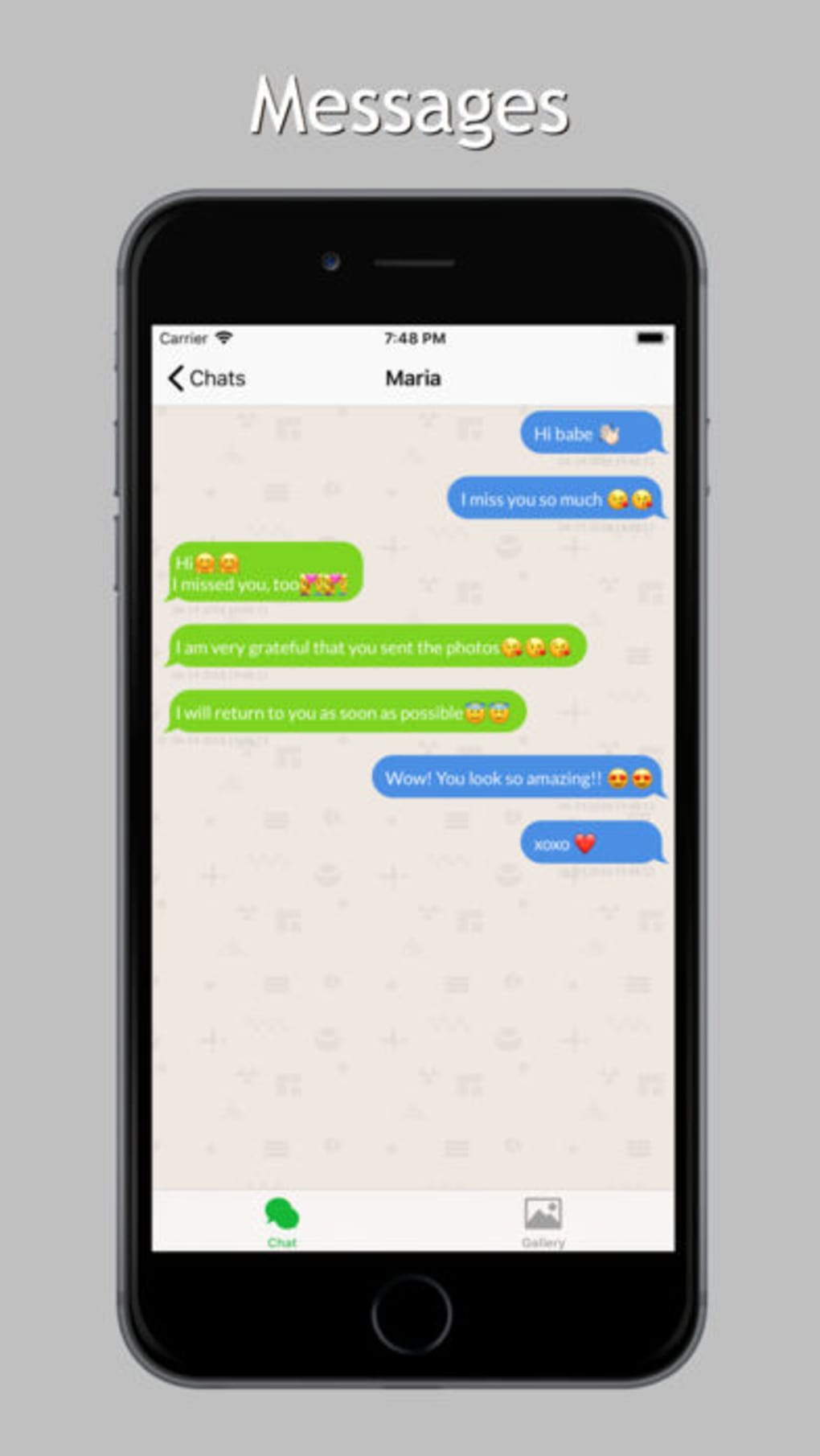
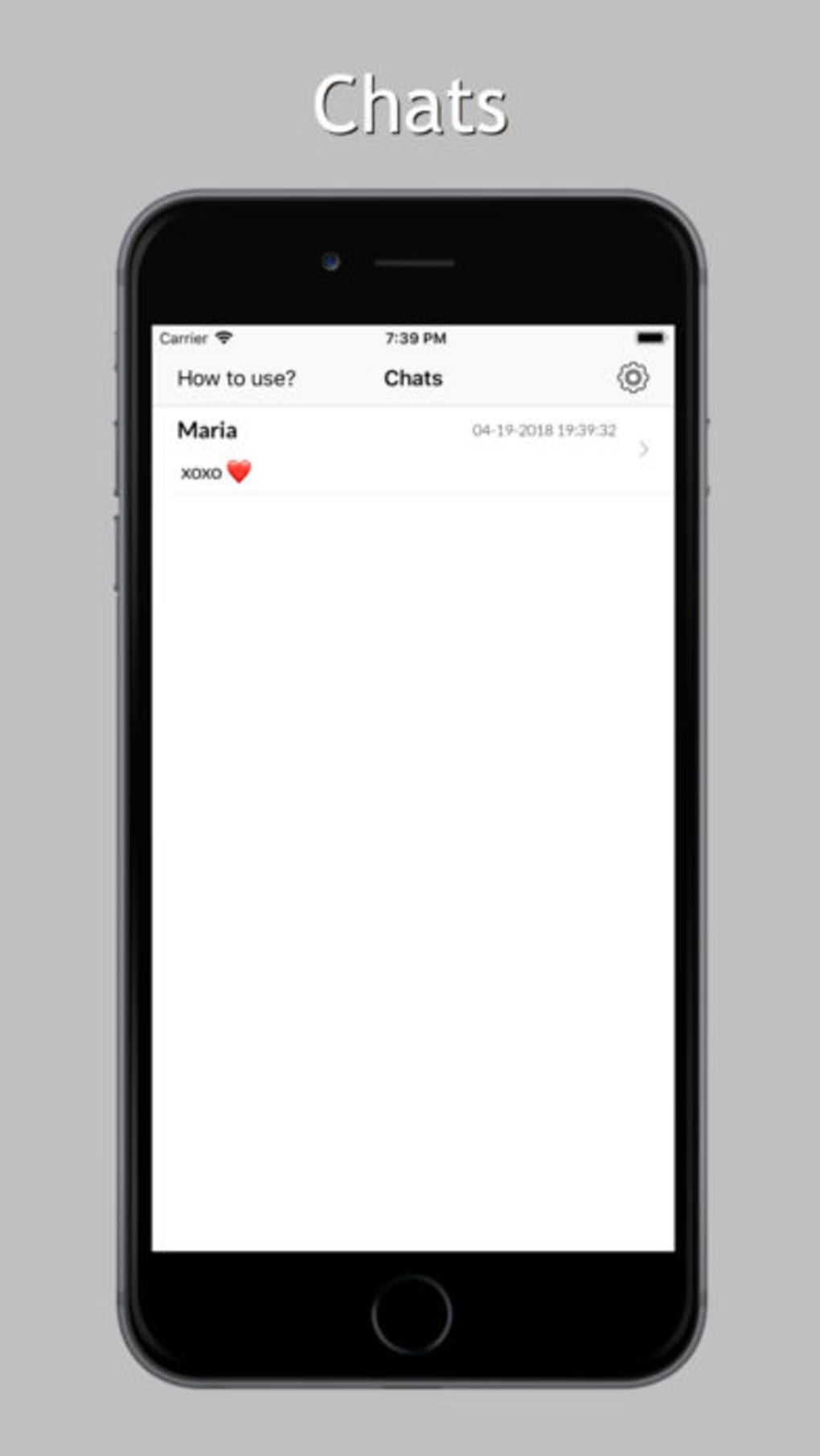
The user interface of WhatsSafe appears to be designed with simplicity and functionality in mind, aiming to minimize the learning curve for average users. Navigation is likely structured around core actions such as initiating a backup, selecting chat data, and managing saved files. The workflow is expected to follow a logical sequence: device connection, chat selection, backup initiation, and file storage confirmation.
Given the nature of the software, performance is likely optimized for stability during data transfer processes. The developer did not specify resource usage details, so general assumptions about CPU and RAM behavior cannot be made. However, based on typical desktop utility patterns, the application should operate efficiently without causing system slowdowns during active use.
Stability during backup operations is critical, and while specific performance metrics were not provided, the software is expected to maintain consistent behavior across sessions. The absence of reported issues suggests a reliable core operation, though real-world testing would be required to confirm long-term reliability under various conditions.
Compatibility & System Requirements
WhatsSafe is designed exclusively for iPhone devices and operates as a desktop application. The software supports the iOS ecosystem, allowing integration with iPhone models compatible with the required connection protocols. The application has a file size of 24.5 MB, indicating a lightweight installation that should not significantly impact storage space.
Exact system requirements were not listed, and compatibility information was partially provided. The developer did not specify minimum hardware or operating system versions beyond the iPhone platform. Users are advised to ensure their device meets standard iOS requirements for data transfer and app connectivity. The application’s functionality may depend on the availability of USB or wireless connection methods supported by the iPhone and the host computer.
Pros and Cons
Pros
- Free to use with no hidden costs
- Offers secure, local backup of WhatsApp chats
- Supports multiple languages for international accessibility
- Designed with privacy protection as a core principle
- Lightweight installation at 24.5 MB
Cons
- No detailed system requirements provided
- Performance metrics not disclosed
- Only available for iPhone devices
- Limited information about update frequency
- Does not specify backup encryption methods
FAQ Section
Is WhatsSafe compatible with all iPhone models?
Compatibility is limited to iPhone devices that support the connection protocols used by the software. Specific model requirements were not detailed by the developer.
Is the software safe to use?
WhatsSafe is designed with privacy protection in mind. However, users should ensure they download the software from official sources to avoid potential risks.
Does the software require an internet connection?
The application may require an initial online connection for setup, but backup operations are intended to occur locally, minimizing online dependency.
How often can I update the software?
Update frequency was not specified. Users should check the developer’s official channel for the latest version.
Can I use WhatsSafe without a license?
Yes, the software is available for free and does not require a license or registration to use.
Final Thoughts
WhatsSafe presents a focused and practical solution for iPhone users seeking to back up their WhatsApp chats securely and locally. With its emphasis on privacy and data protection, the software fills a niche need for individuals who wish to maintain full control over their personal conversations. The multilingual support and free access enhance its appeal across diverse user bases.
While detailed technical specifications are limited, the core functionality remains clear and valuable. For users concerned about data loss or cloud-based vulnerabilities, WhatsSafe offers a reliable desktop utility that prioritizes security and simplicity. Its lightweight design and straightforward workflow make it accessible even to non-technical users.
Download WhatsSafe now







